Cost optimization features
Find every saving. Surface them. Prioritize by annual return.
CloudMonitor scans 14+ days of Azure usage data and proposes recommendations across right-sizing, reservations, idle resources, storage tiers, and hybrid licensing. Each one is ranked by annual saving.
The optimization engine
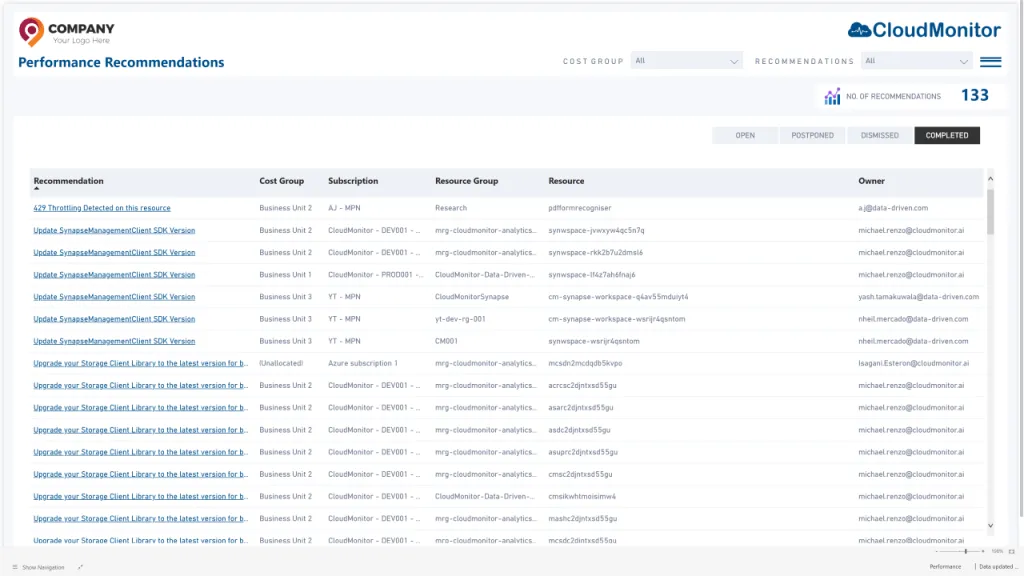
Every saving on a single screen.
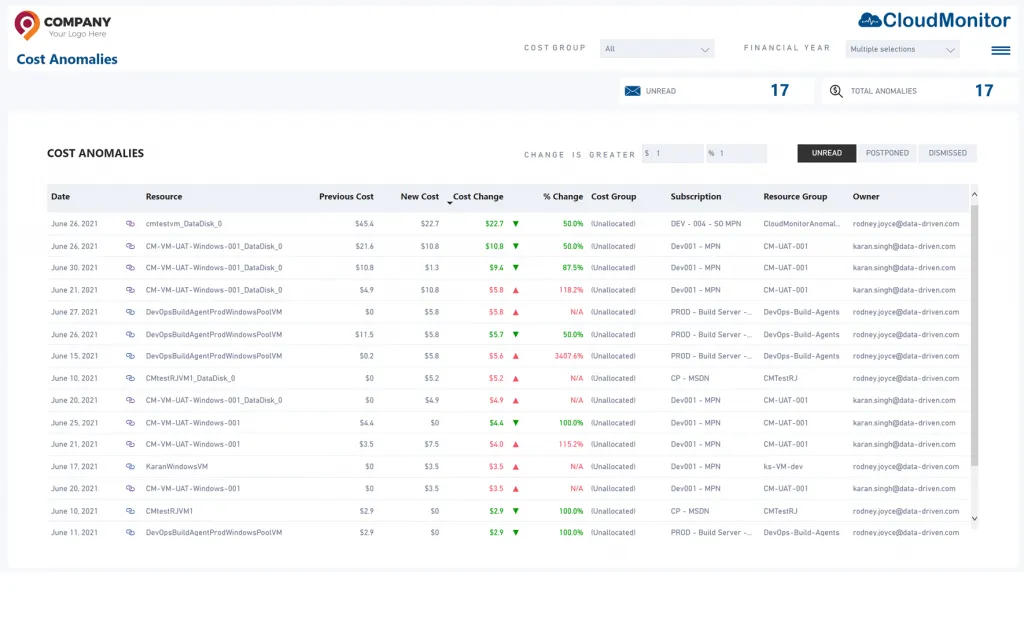
The Cost Recommendations report shows every open, applied, and dismissed recommendation across your tenant. Filter by category, subscription, or cost group.
- Five categories of recommendation. Right-sizing, reservations, idle, storage tier, hybrid licensing.
- Prioritized by annual saving. See the $14k recommendation before the $200 one.
- Bulk apply or push to Jira. Apply directly, or push a ticket to your ITSM system with the full context.
- Audit trail of every decision. Track what was applied, what was dismissed, and why.
Right-sizing
Downsize what you don't need. Without a spreadsheet.
CloudMonitor analyzes CPU, RAM, IOPS, and network for every VM, App Service, SQL DB, and AKS node. If utilization sits below threshold for 14 days, a downsize recommendation appears.
- VM & VMSS. Right-size families and SKUs across compute fleets.
- App Services. Downsize Premium tiers where memory and CPU permit.
- SQL Database. Right-size DTU and vCore — Business Critical to General Purpose where SLAs allow.
- AKS nodes. Identify underutilized node pools and propose smaller VM SKUs.
Reservations & savings plans
Buy the right RIs. At the right time.
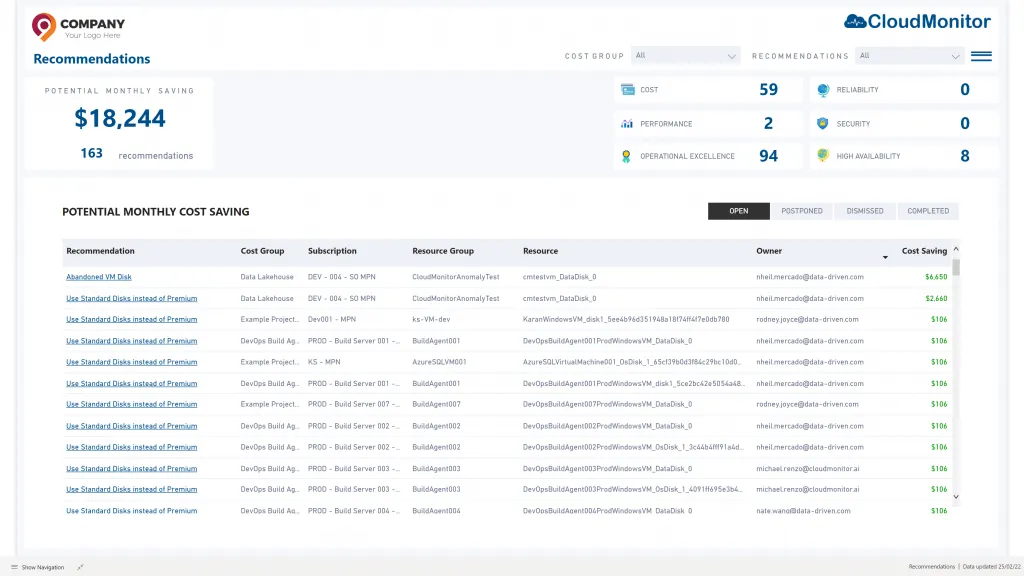
CloudMonitor models your committed-use spend against on-demand pricing for VMs, App Services, SQL, Cosmos DB, and more. It flags expiring RIs and proposes optimal renewal patterns.
- RI utilization report. See exactly which RIs are matched, which are underutilized, and which are about to expire.
- Savings Plan modeling. Compare 1-year and 3-year Savings Plan commitments against historical usage.
- Chargeback the savings. Allocate RI savings back to the business unit that bought them.
- Hybrid Benefit detection. Find SQL and Windows resources that qualify for Azure Hybrid Benefit.
Anomaly detection
Catch bill-shock before it lands.
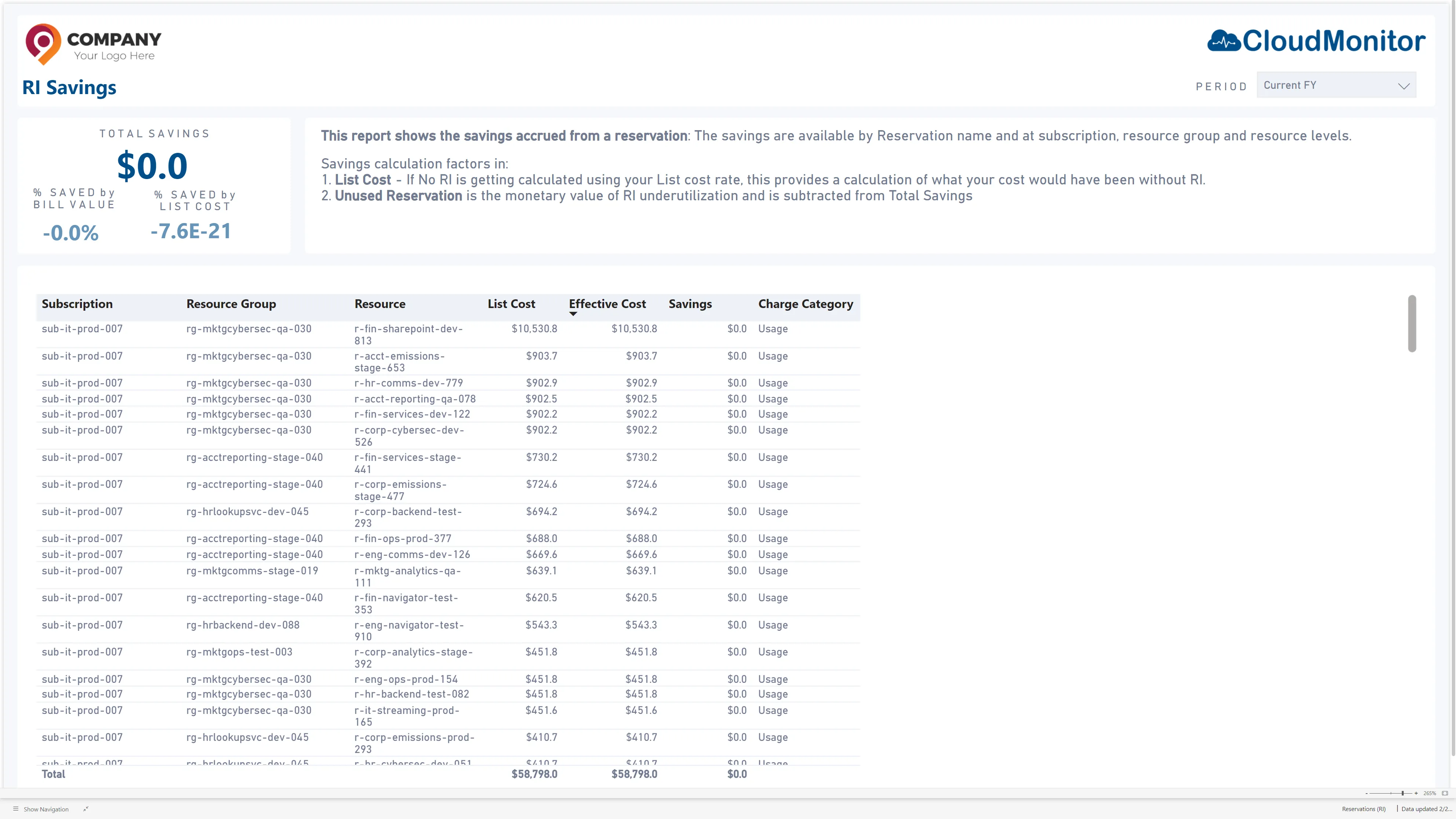
CloudMonitor builds a daily-spend forecast for every resource. When today's spend diverges from forecast by more than your threshold, an anomaly fires.
- Per-resource daily forecast. Built on 30 days of historical usage. Updates every 24 hours.
- Severity-tiered alerts. Critical / High / Medium severity. Tune thresholds per cost group.
- Drilldown to root cause. Click an anomaly to see usage, recent deployments, and likely cause.
- ITSM integration. Push anomalies to Jira, ServiceNow, or any webhook.
Microsoft Teams bot
Alerts where engineers already live.
The CloudMonitor Teams bot pushes anomaly and budget-breach alerts into the right Teams channel. Engineers acknowledge, investigate, and close the loop without leaving Teams.
- Per-cost-group routing. Each cost group can route alerts to its own Teams channel.
- Quiet hours and on-call. Configure quiet hours, escalation, and on-call rotations.
- Acknowledge in place. Acknowledge, snooze, or close an anomaly from inside the Teams card.
- Daily / weekly digests. Optional digest cards summarising spend and savings progress.

See the optimization engine on real data.
The live demo runs against a sandbox Azure tenant with realistic spend, recommendations, and anomalies.