How to add users into CloudMonitor Admin App
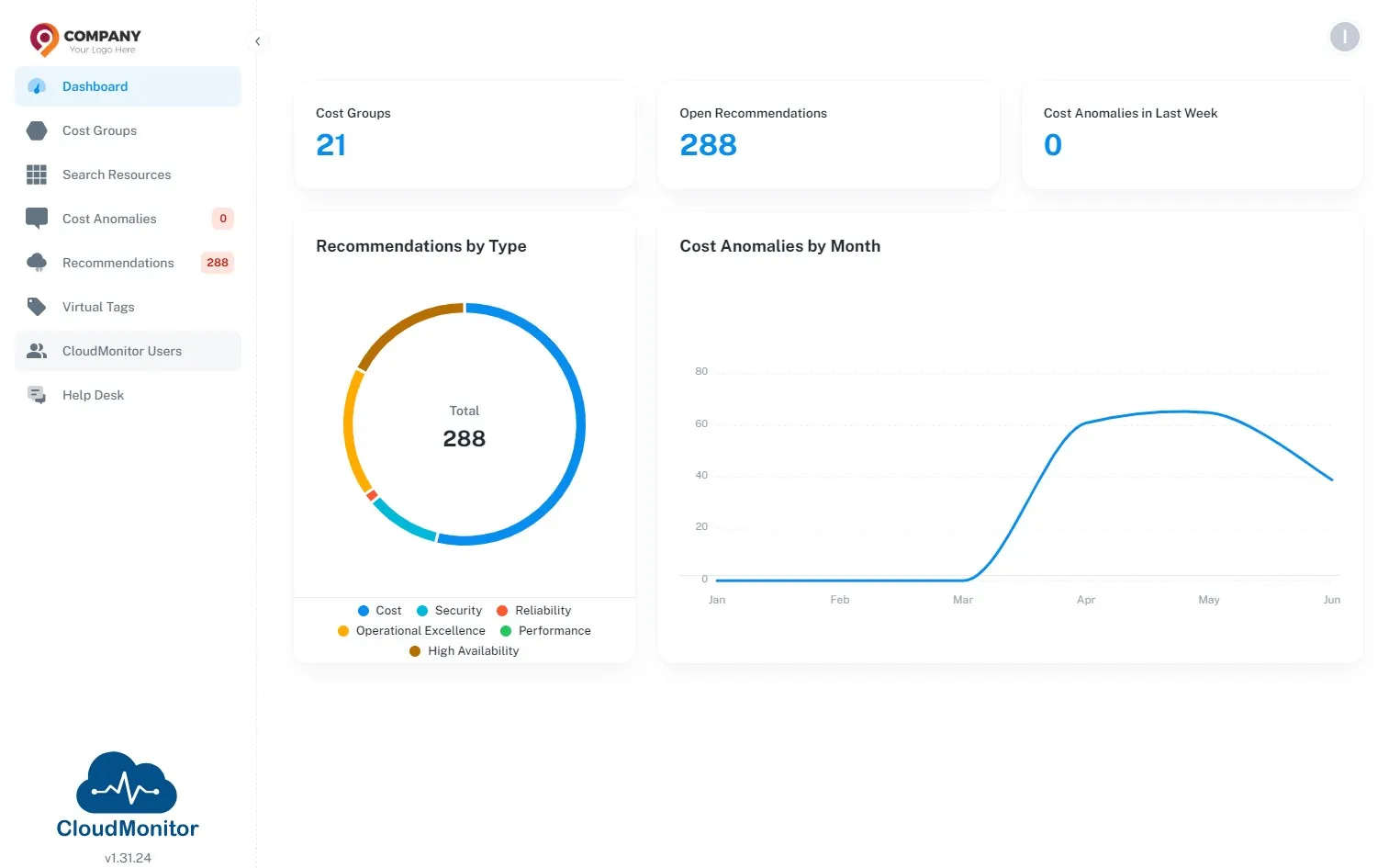
Step 1
Section titled “Step 1”Sign in to the Admin App
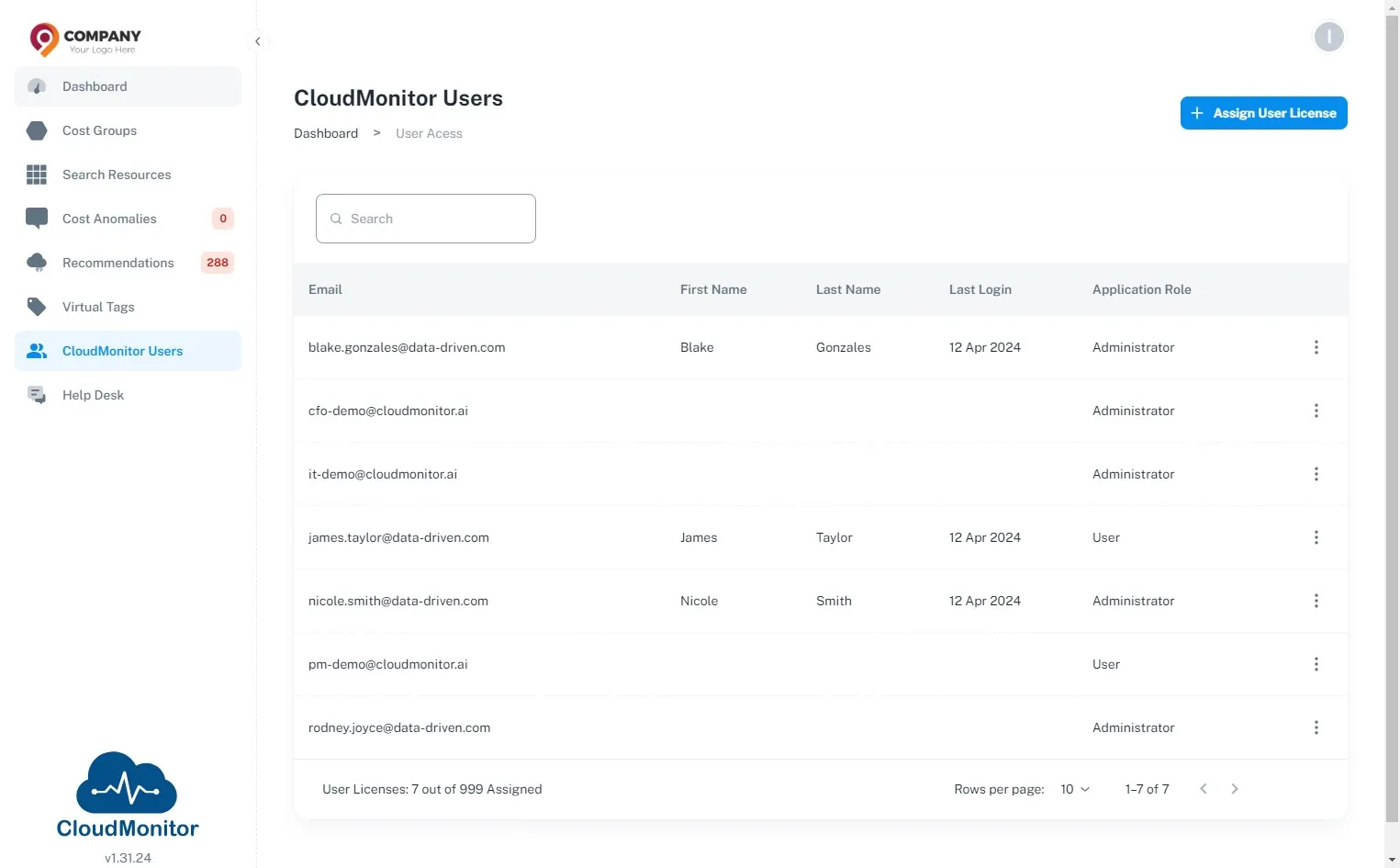
Step 2
Section titled “Step 2”Click “CloudMonitor Users”
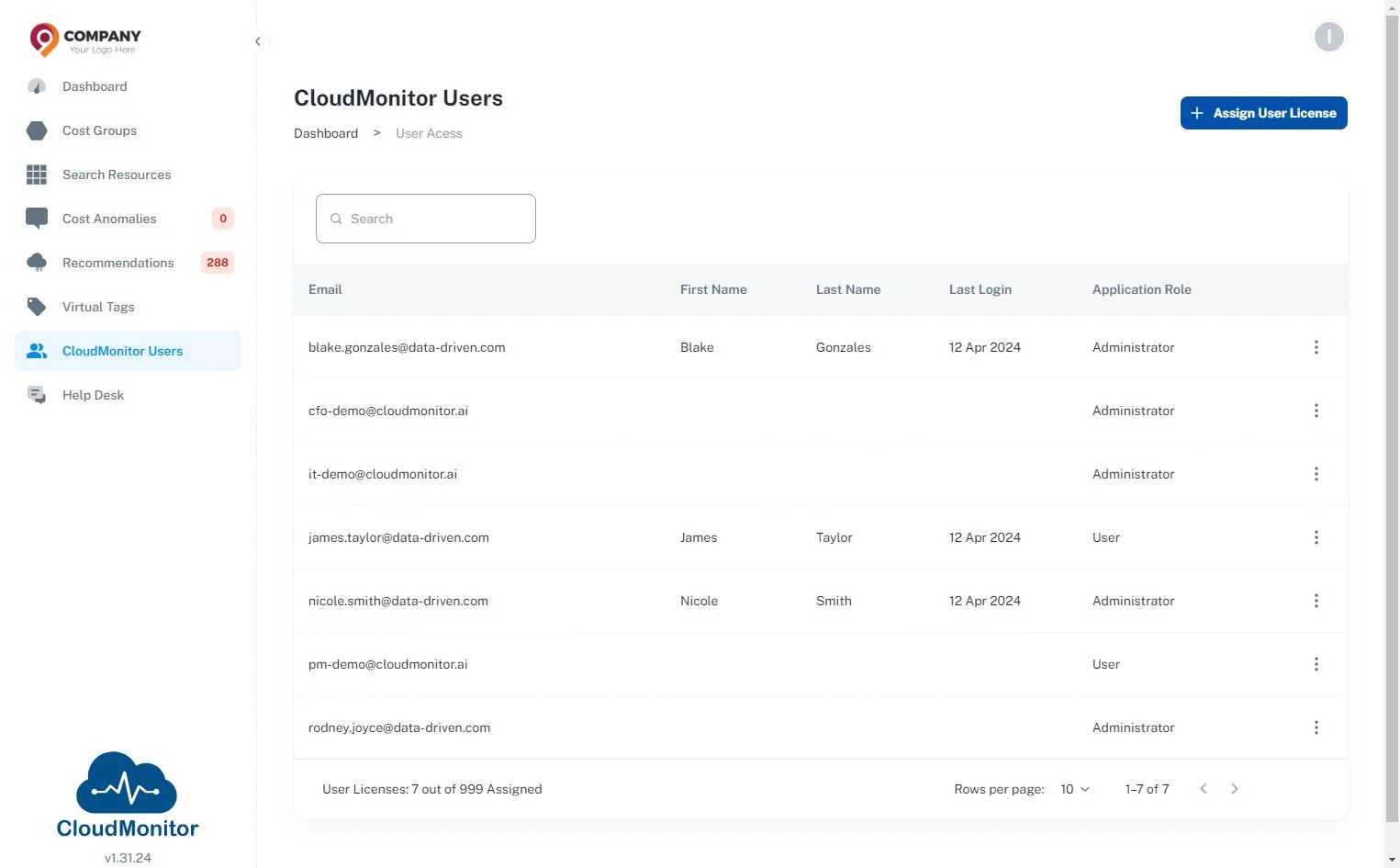
Step 3
Section titled “Step 3”Click “Assign User License”
Step 4
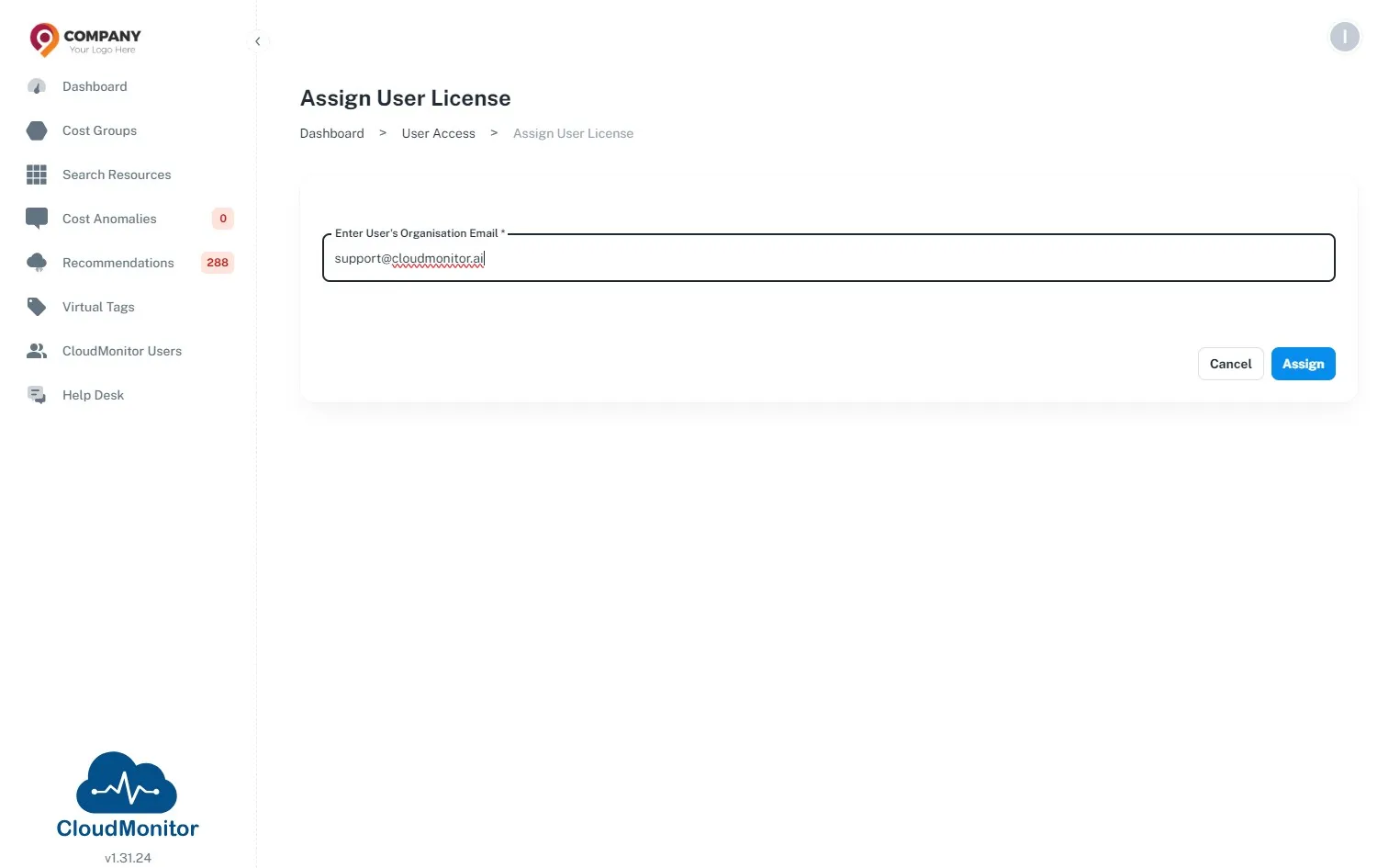
Section titled “Step 4”Click the “Enter User’s Organisation Email *” field and enter the email address of the user which needs to be added.
Step 5
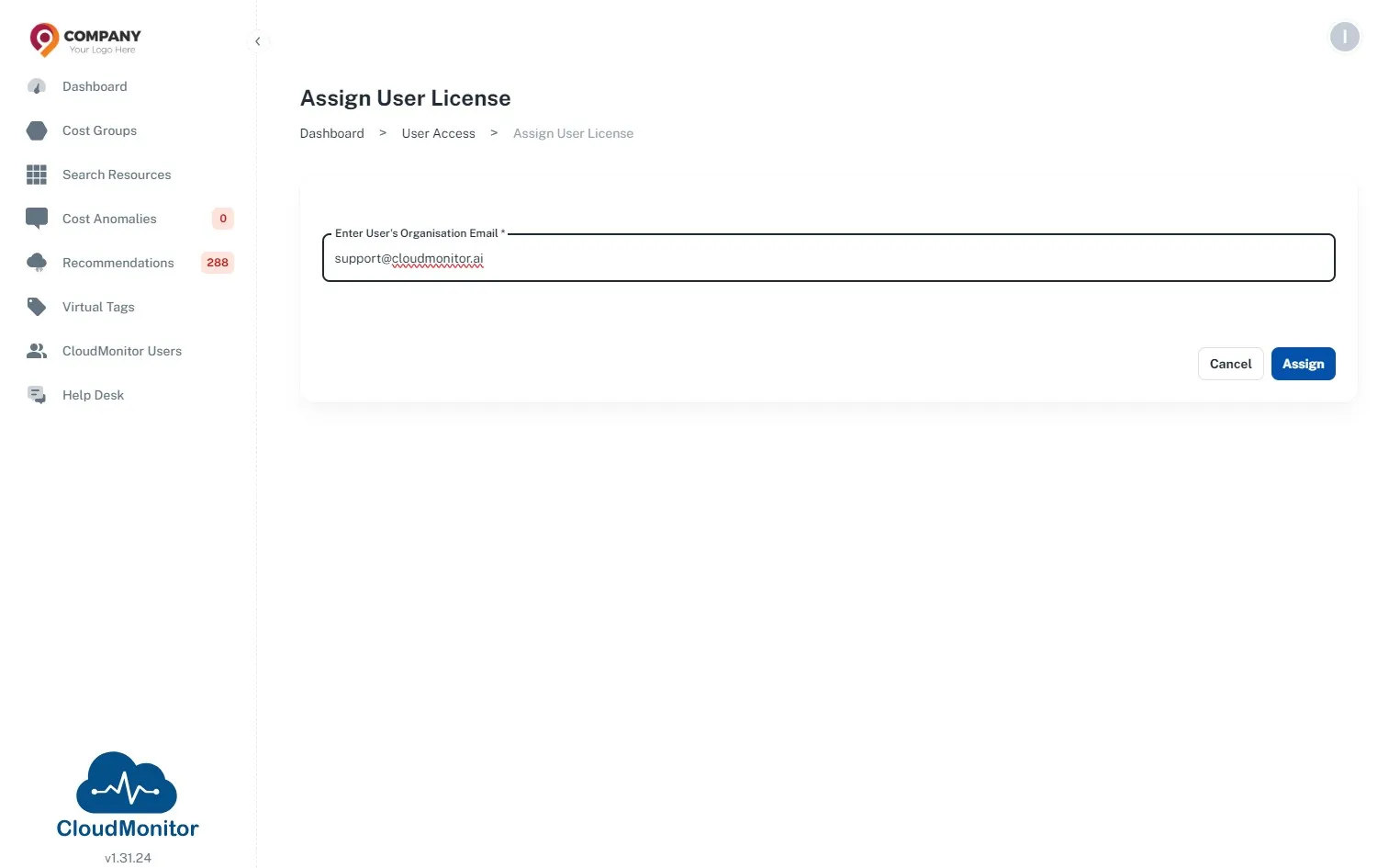
Section titled “Step 5”Click “Assign”
Step 6
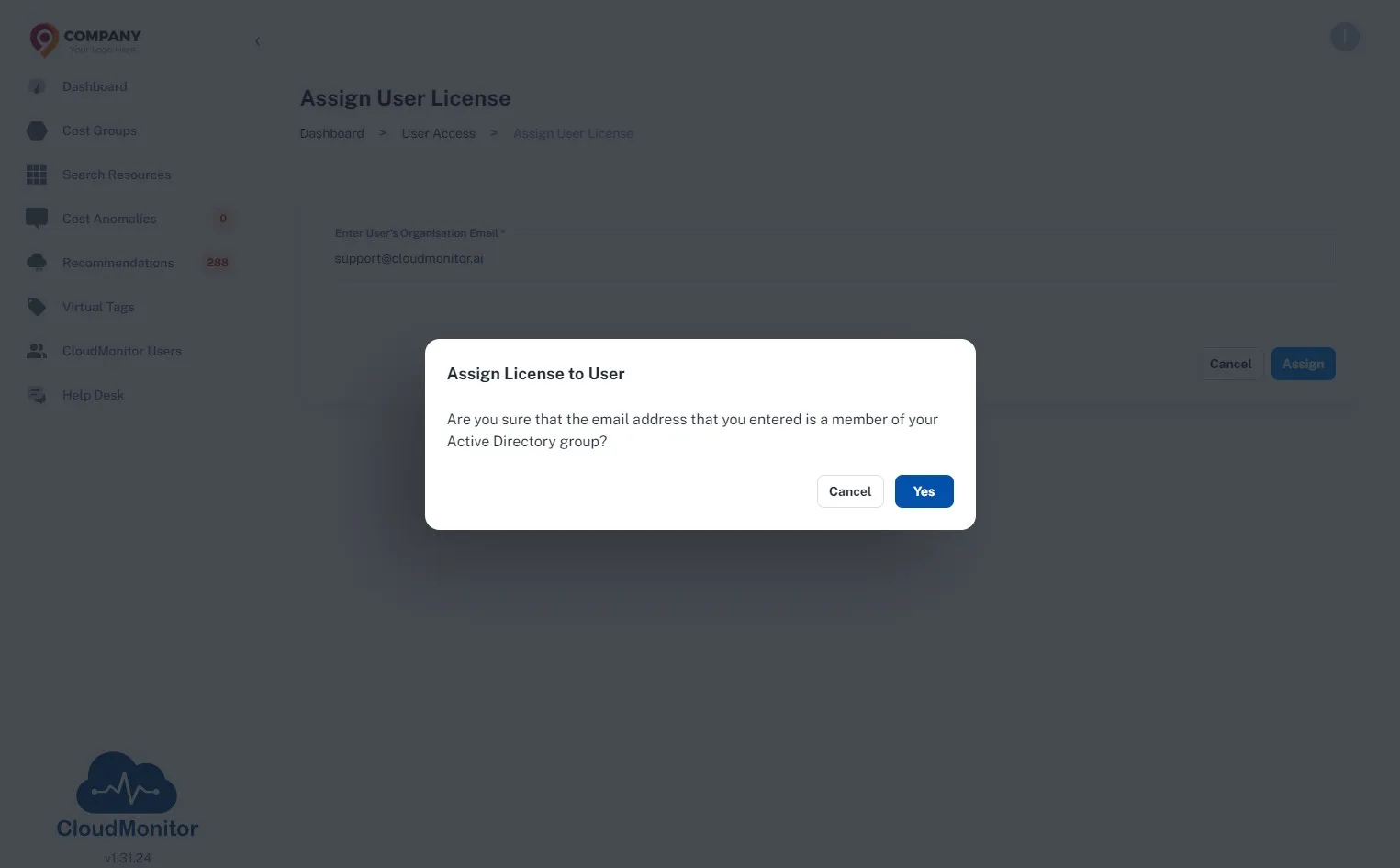
Section titled “Step 6”Click “Yes”
Step 7
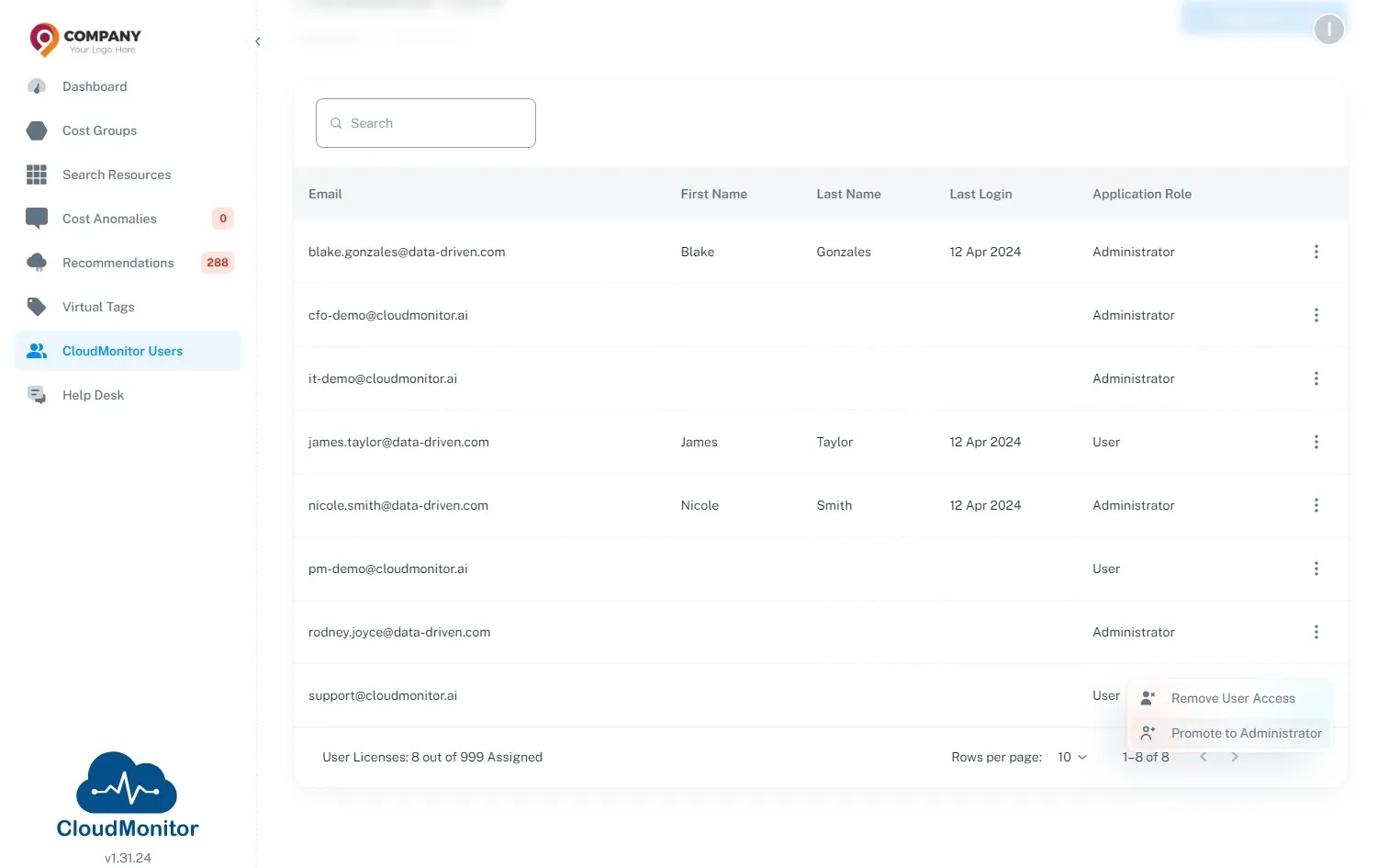
Section titled “Step 7”Next, If you wish to promote them as Administrators, Click “Promote to Administrator”
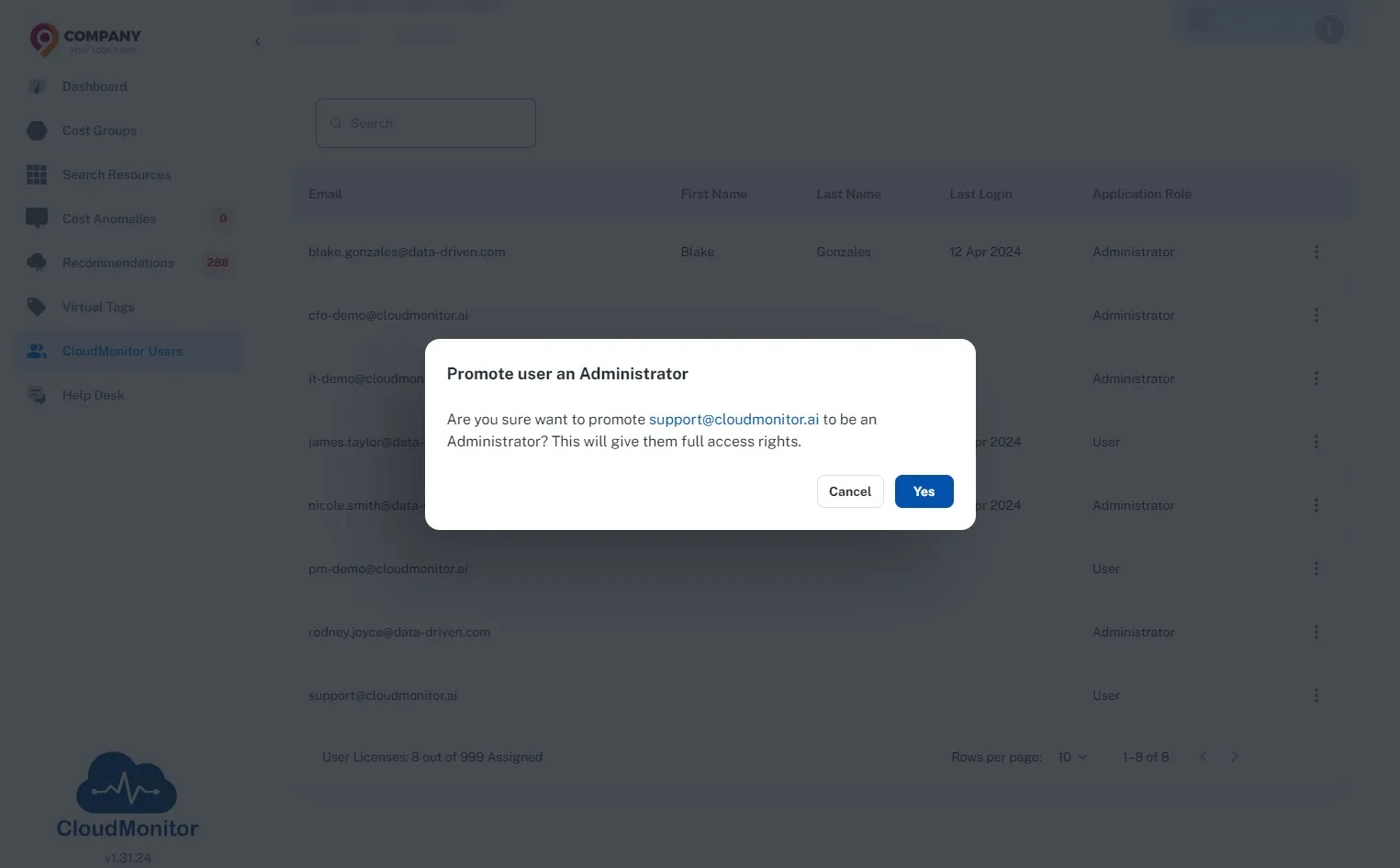
Step 8
Section titled “Step 8”Click “Yes”