Logos not showing in Power BI Reports
If your company logo is not showing on the Power BI report this can be easily fixed:
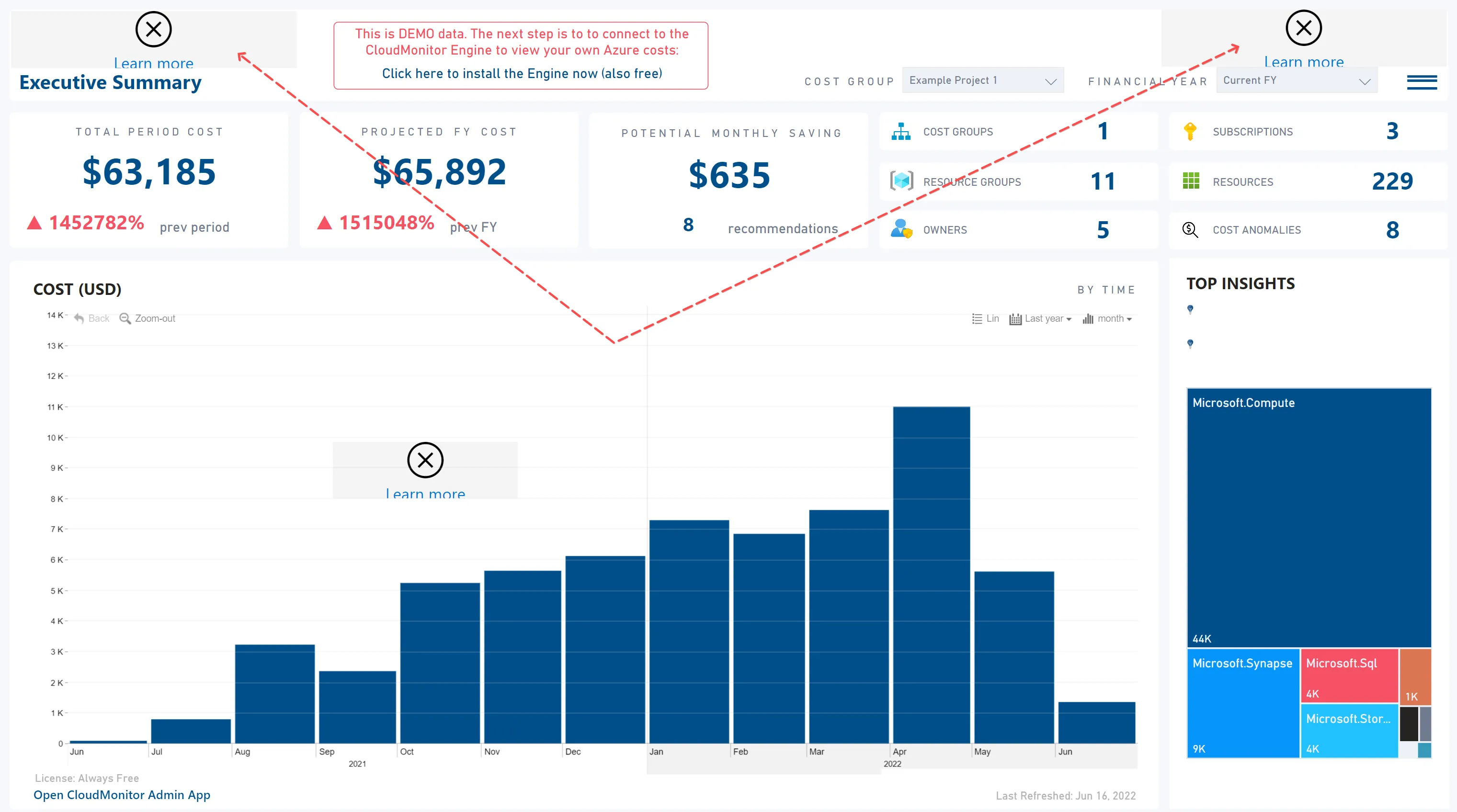
- Login to the Power BI Admin Portal-> “Tenant settings”.
- Scroll down to the section titled “Power BI Visuals”
- Check that the setting titled “Add and use certified visuals only (block uncertified)” is set to NOT Enabled.
- If it is Enabled, change it to disabled and save.
- It will take 15-20 minutes for the logos to appear on the report