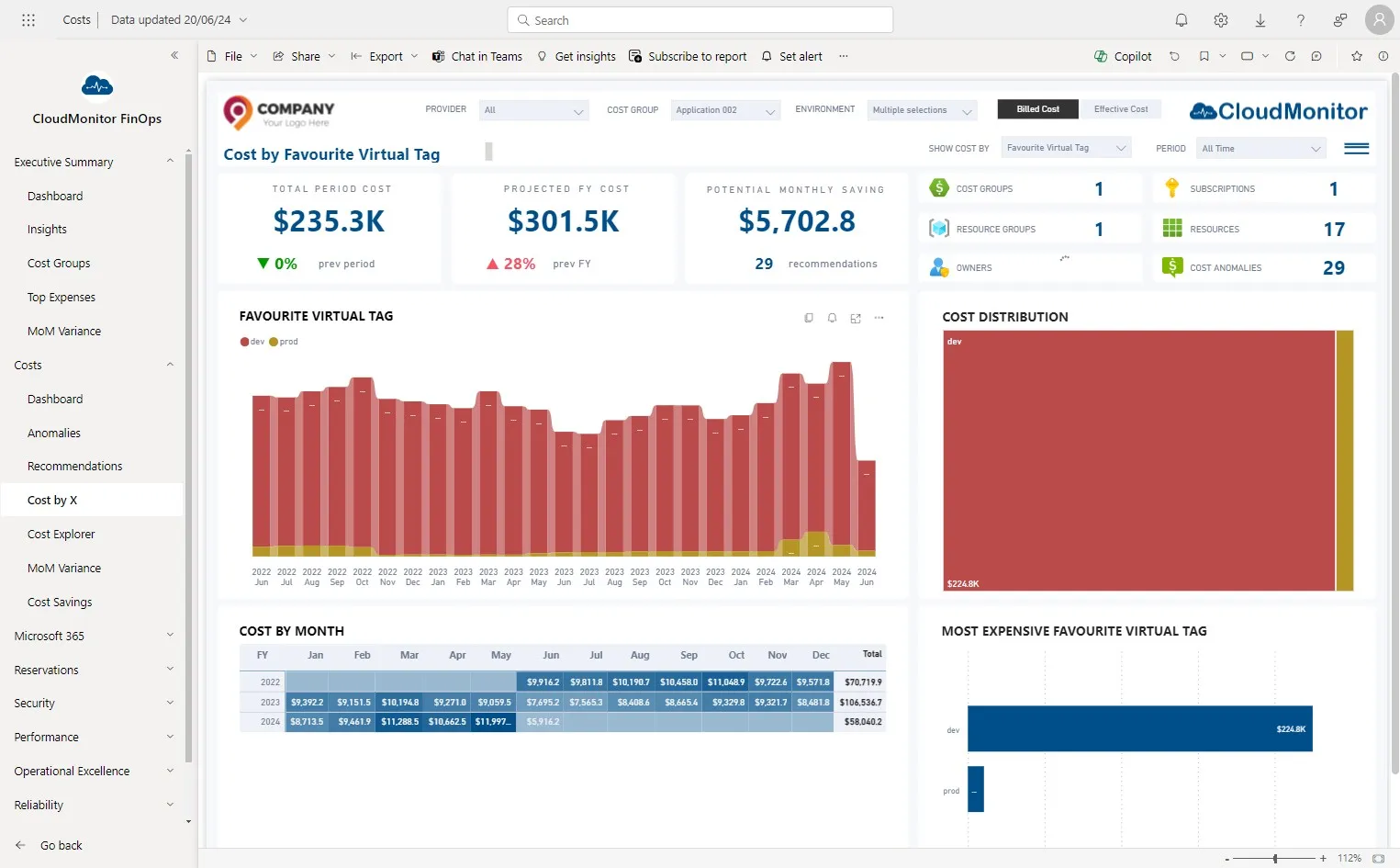
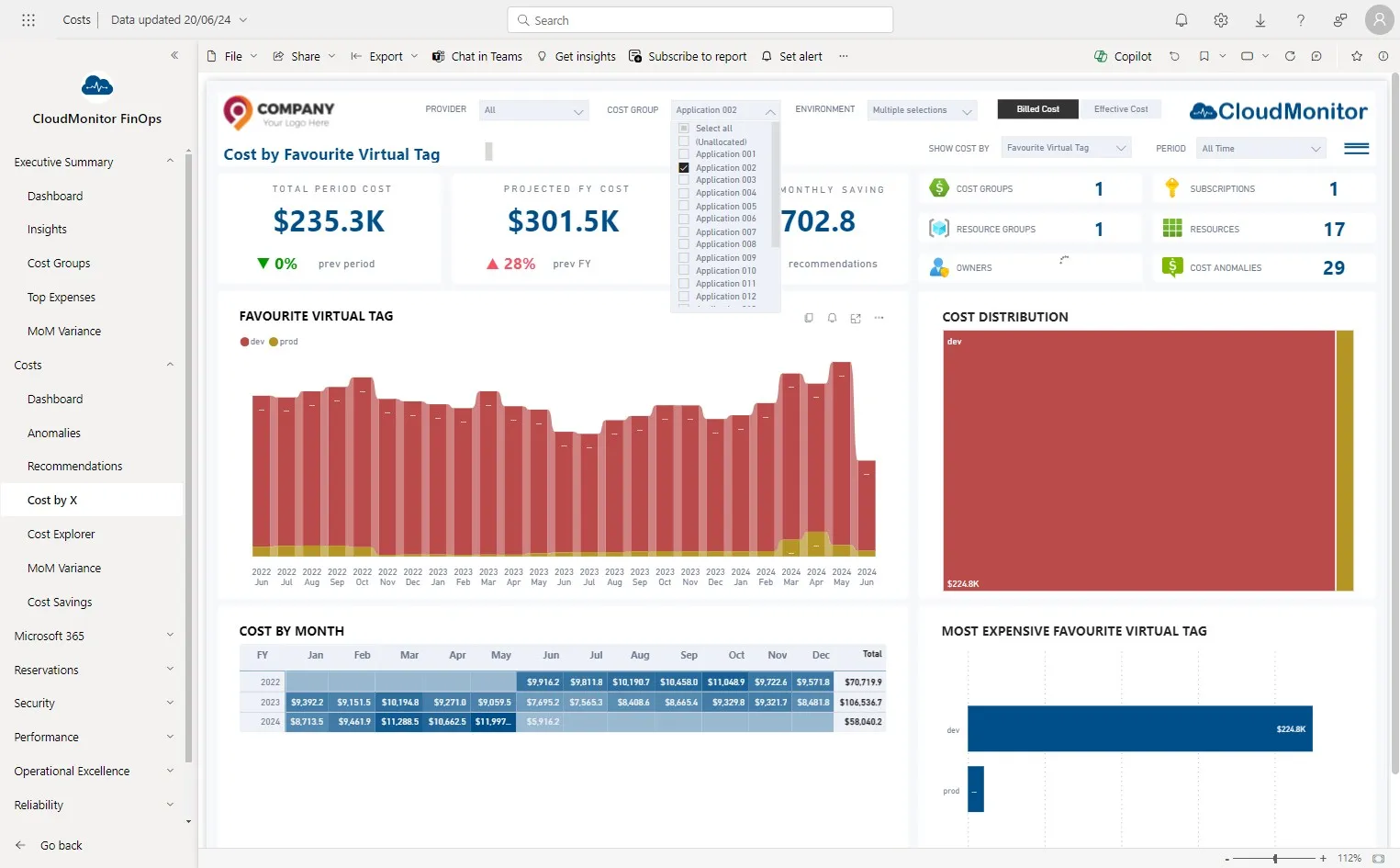
A Program Manager wants to understand the cost of their DEV Environment versus their PROD Environment for their Cost Group
Step 1
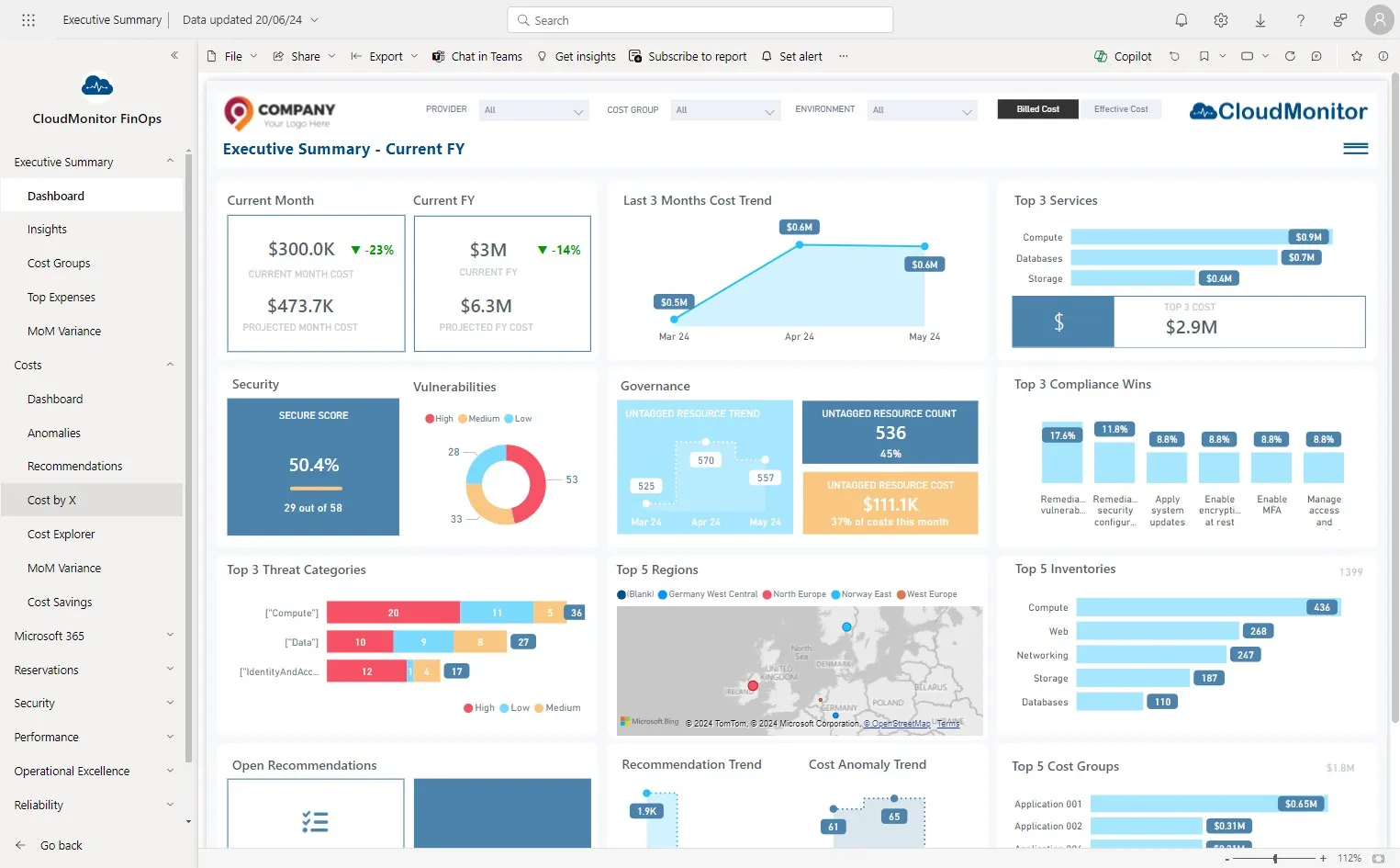
Section titled “Step 1”Navigate to Power BI app and Click “Costs” and then “Costs by X”.
Step 2
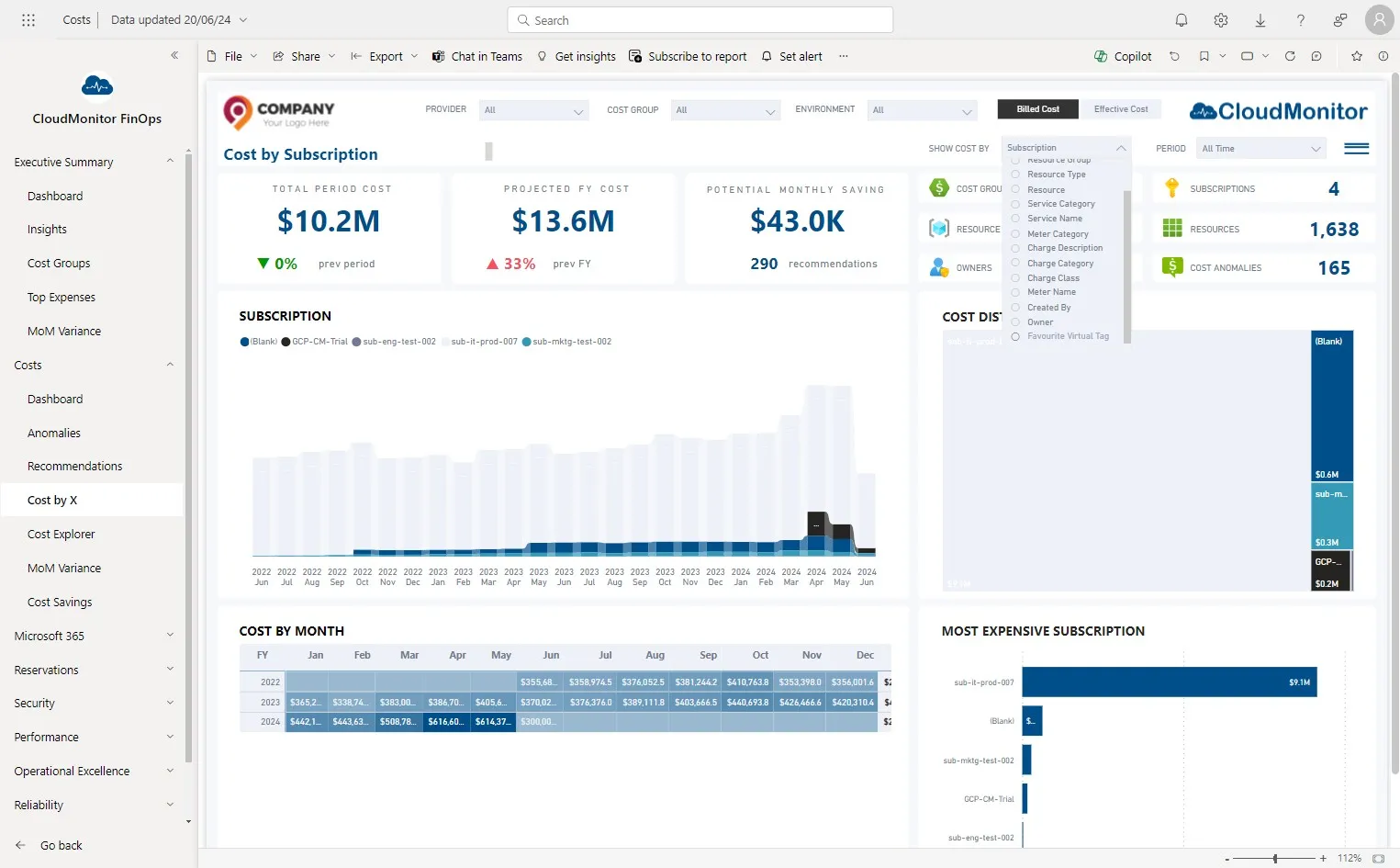
Section titled “Step 2”Select “Favourite Virtual Tag” from “Show Costs By” slicer
Step 3
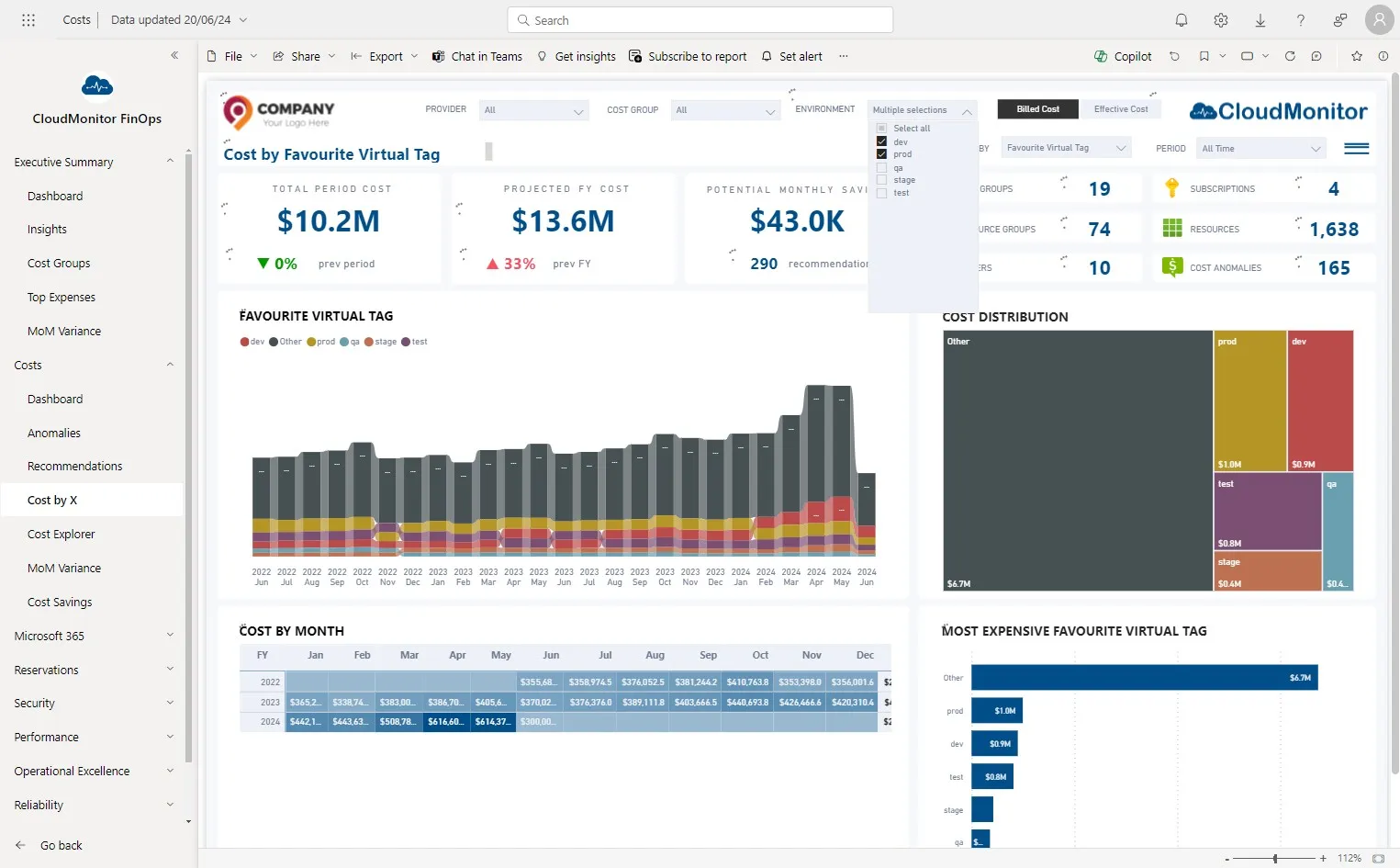
Section titled “Step 3”Select “Dev” and “Prod” from Environment slicer
Step 4
Section titled “Step 4”Select the Cost Groups which need to analysed from “Cost Group” slicer.
Step 5
Section titled “Step 5”The program manager can compare and analyze the costs of two environments within the selected cost group.