How to generate a new Client Secret?
Creating a new Client Secret
Section titled “Creating a new Client Secret”Create a Client Secret so that CloudMonitor can authenticate with Service Principal and communicate with the Azure Cost APIs. This will enable CloudMonitor Engine application to make cost insights and recommendations that CloudMonitor PowerBI application connects to.
Note: Follow this instruction if you already have the CloudMonitor Engine and needs to add a new client secret.
Step 1
Section titled “Step 1”Navigate to your Azure Active Directory.
Step 2
Section titled “Step 2”From App Registration in Azure AD, select the installed CloudMonitor Engine application.
Step 3
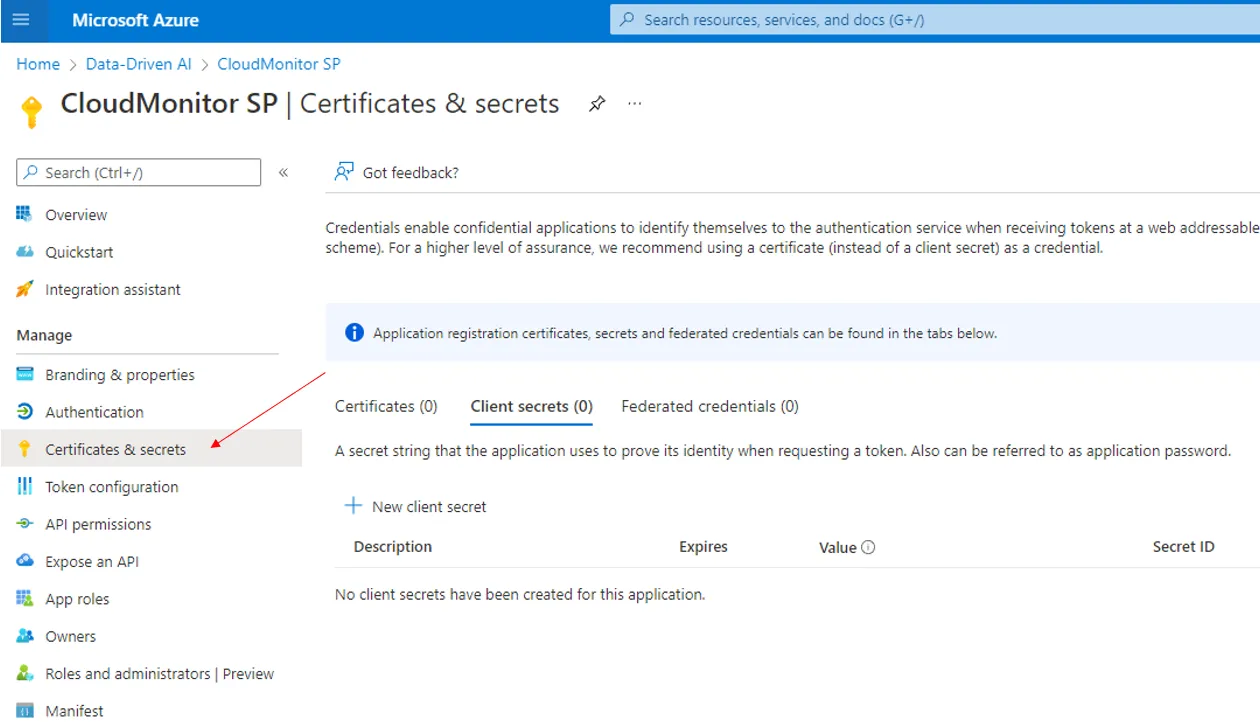
Section titled “Step 3”Select Certificates & Secrets.
Step 4
Section titled “Step 4”Move this article Creating a Client Secret (Follow steps 4 - 6).
Related articles
How to Create a Service Principal and Client Secret (CloudMonitor - Start Here)
How to recreate Client Secret? (CloudMonitor - Start Here)